Quickbooks Desktop Cloud - Onlinekan Software Quickbooks Enterprise
Category : Electronics › Other Electronics · Location : Ubud · Published on
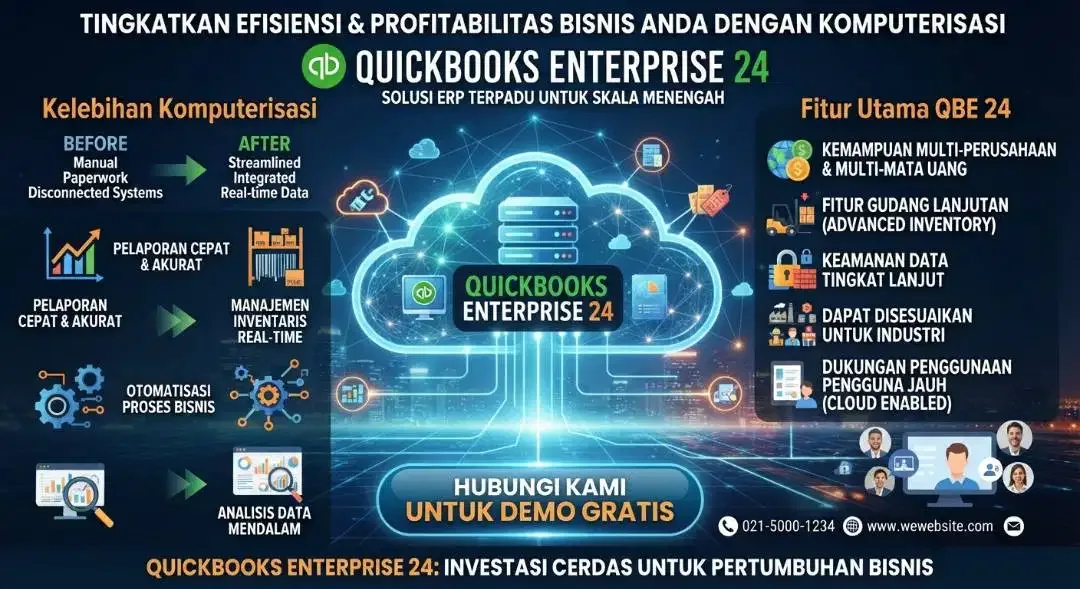
Description
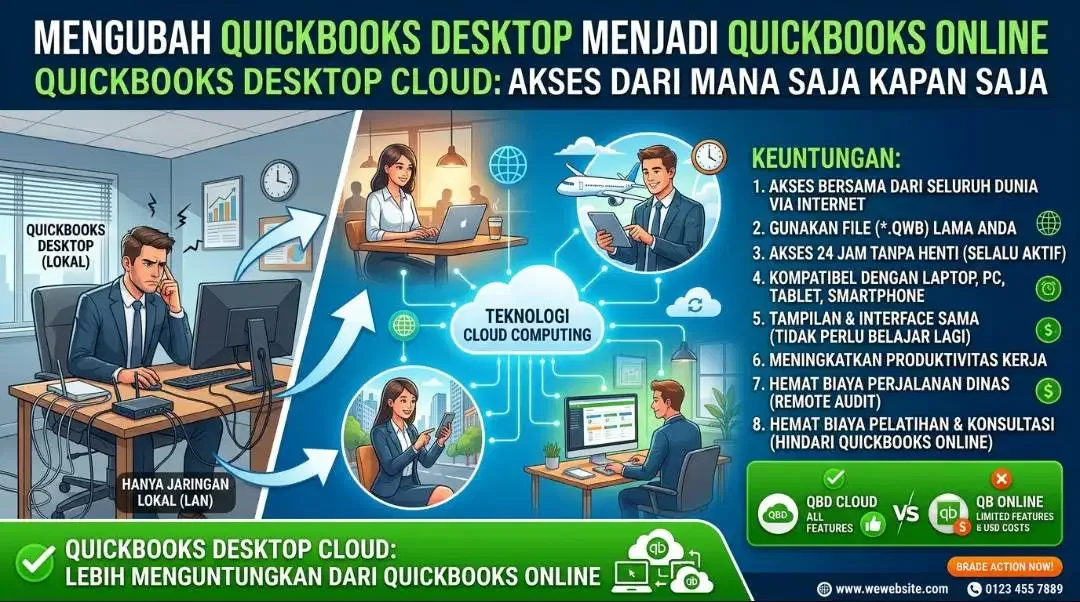
CHANGING QUICKBOOKS DESKTOP INTO QUICKBOOKS ONLINE
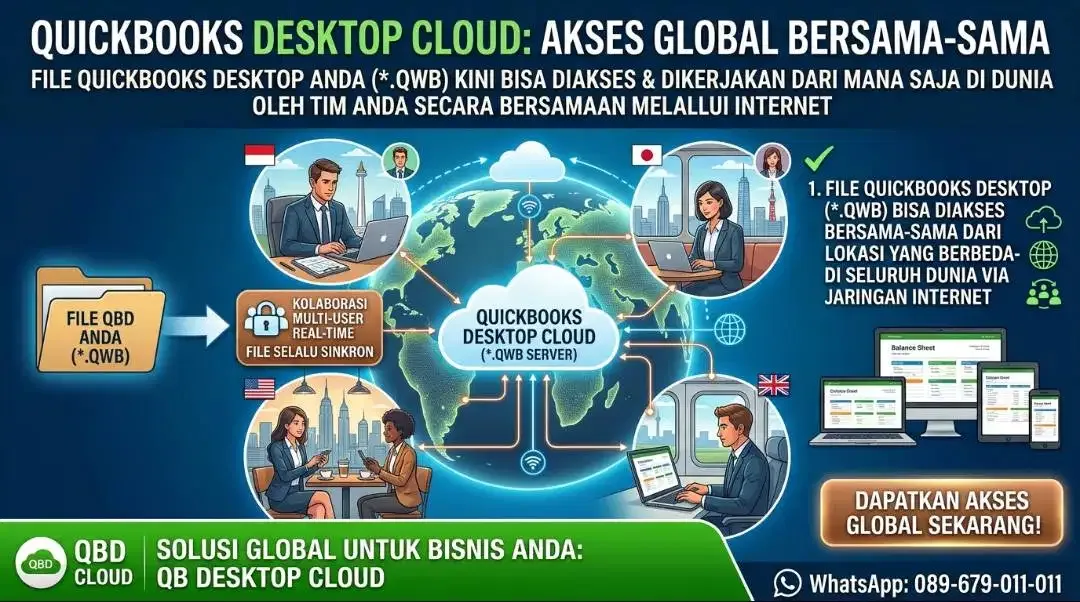
Quickbooks Desktop Cloud is a method or way to change Quickbooks desktop that can only be accessed limited to a local network (Local Area Network) or limited to Personal Computers and laptops into Quickbooks that can be accessed online from anywhere anytime using the internet network.
Quickbooks Desktop Cloud overcomes the obstacles or constraints of Quickbooks desktop that can only be accessed locally such as office areas, factories or in the same building. By using Cloud Computing Technology, we can change Quickbooks Desktop into Quickbooks Online.
Other advantages of implementing Quickbooks Desktop Cloud include :
1. Quickbooks Desktop files (*.QWB) can be accessed together from different locations around the world via the internet network
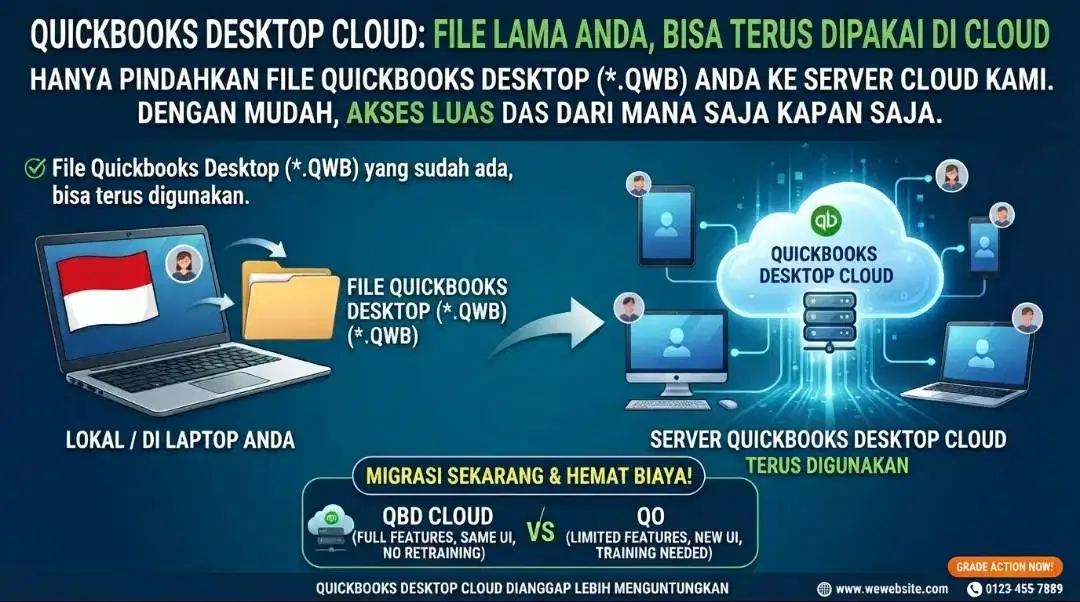
2. Quickbooks Desktop files that you have created and used locally or stored on your laptop, can continue to be used in Quickbooks desktop cloud. you just move them to the Quickbooks desktop cloud server.
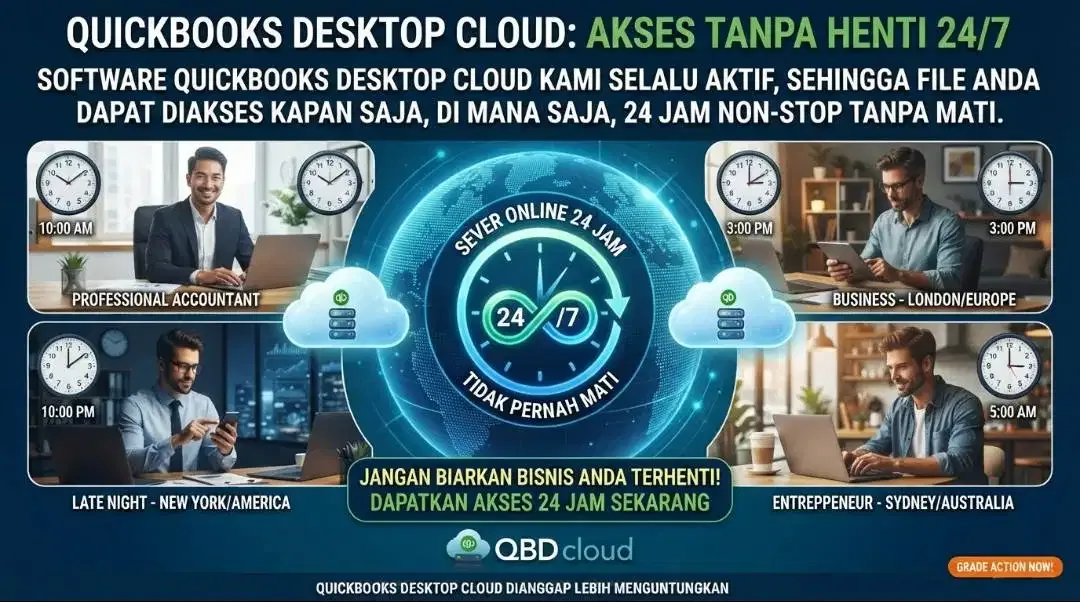
3. Quickbooks Desktop cloud software never dies, so the Quickbooks file can be accessed anytime 24 hours without stopping
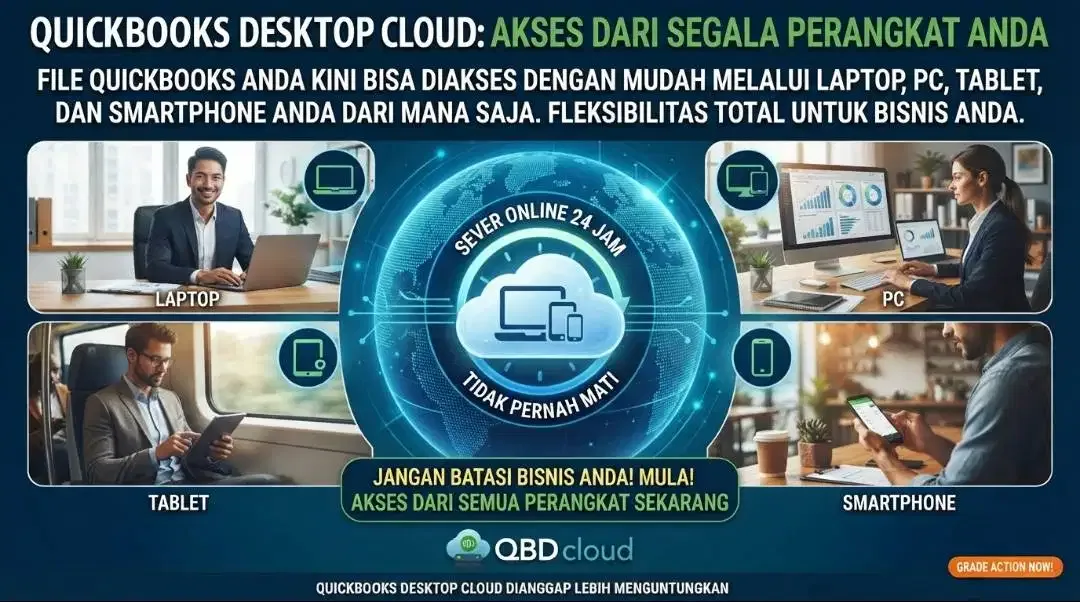
4. Quickbooks desktop files can be accessed with different devices such as laptops. PC, Tablet, and smartphone
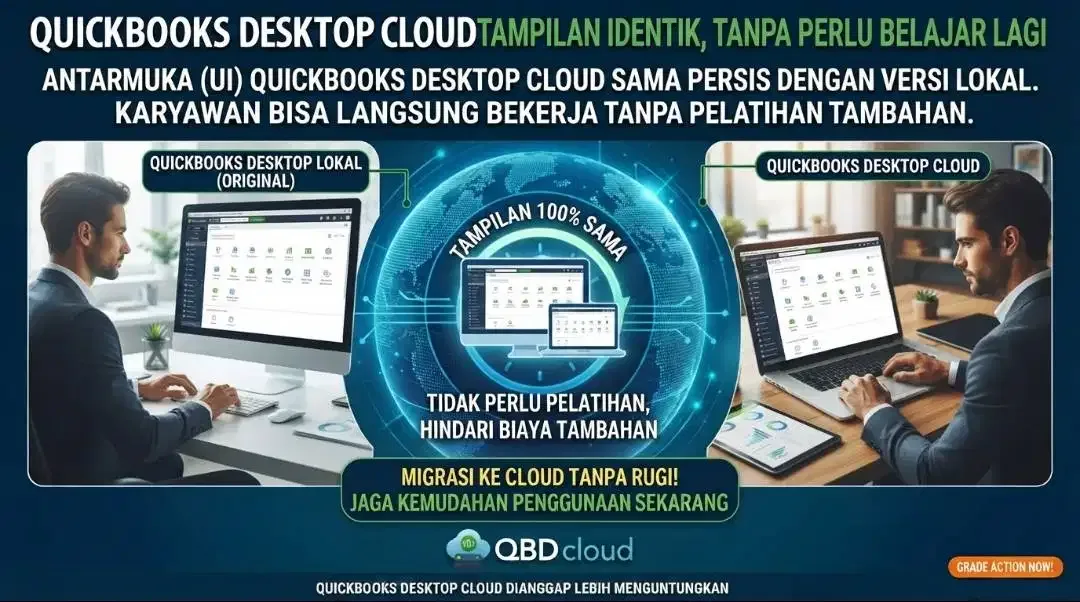
5. The display or interface of Quickbooks desktop Cloud is the same as the display or interface of Quickbooks Desktop installed locally so employees do not need to learn again how to use Quickbooks desktop cloud
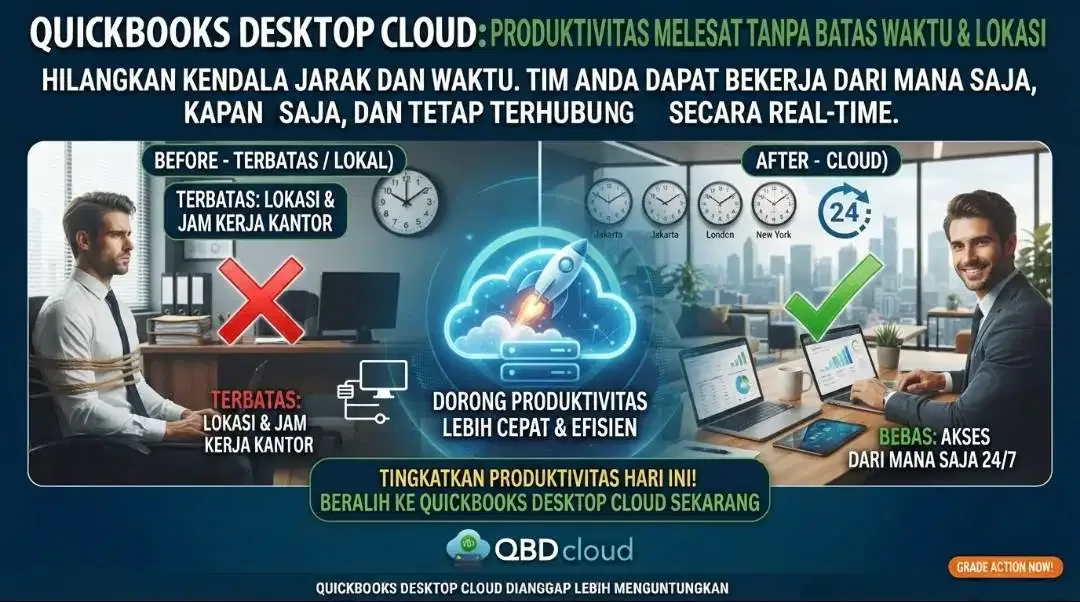
6. Work productivity increases as a result of eliminating the constraints of location distance and working time by implementing Quickbooks desktop cloud
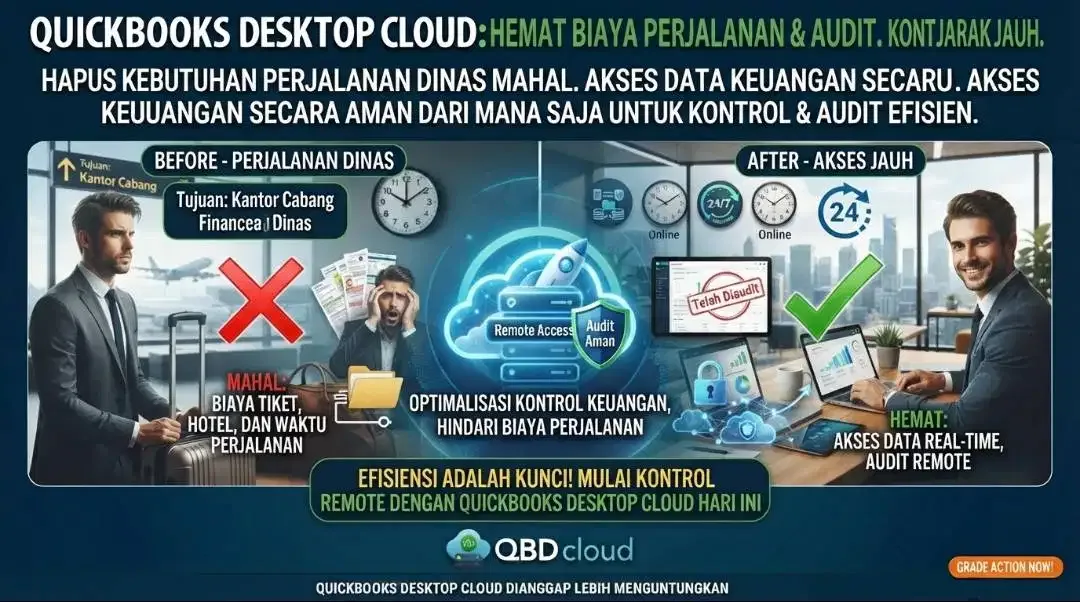
7. Saving business travel costs for financial control and financial audit purposes because financial data can be accessed remotely
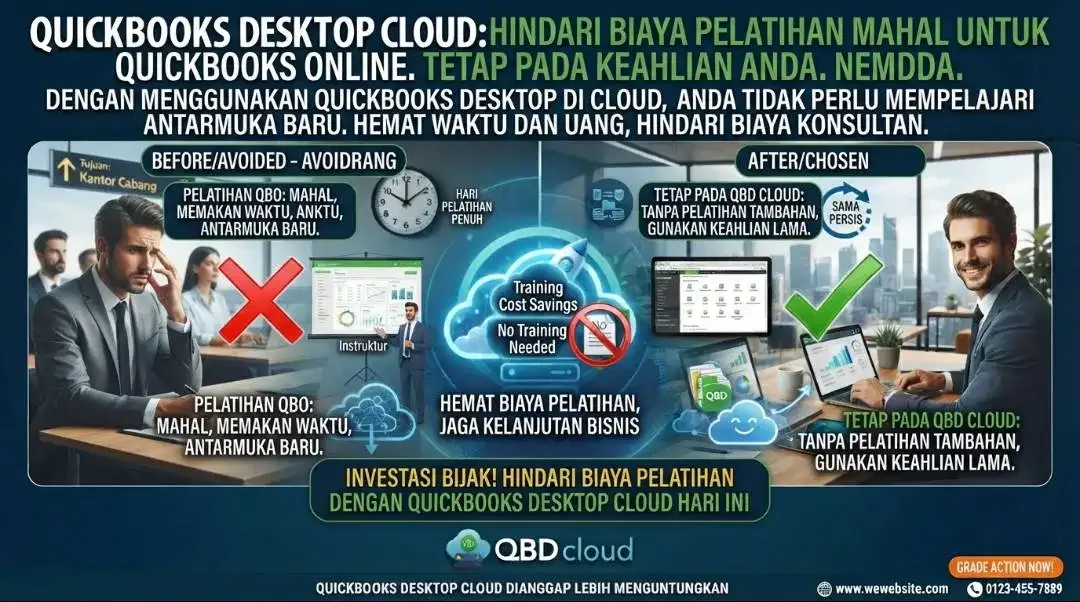
8. Saving training costs for using Quickbooks online accounting software, by implementing Quickbooks desktop cloud and not Quickbooks online, you avoid training costs for using Quickbooks online. you need to know, Quickbooks online has a different way of working and interface from Quickbooks desktop cloud so if you intend to use Quickbooks online, you need to spend money for initial preparation consulting services for Quickbooks online and Quickbooks online training services.
QUICKBOOKS DESKTOP CLOUD is considered more profitable than Quickbooks online. If you need supervision or assistance in using quickbooks software, we also provide training on using quickbooks software at an affordable price.
At a glance
Software (used) in Ubud. Listed at Rp 300.000. The seller has 2 other listings on BaliMarket. Published on 2026-09-06.
Characteristics
- Tipe
- Software
- Kondisi
- Bekas
Seller : Quick Bookkeeping Indonesia
Safety Tips
- Meet in a public place
- Check the item before paying
- Never pay in advance